Introduction to workflow reports
Workflow reports are a summary of the main activities of a
workflow. Each time a workflow run is complete (i.e.
either all tasks were finished or it was cancelled) a PDF
report can be downloaded by all project users with at
least read permissions. A workflow run in this context is
an execution of a workflow configuration. Each time the
start button of a workflow is pressed, another run is
created.
To download a report select a run form the drop down (1)
in the workflow manager and then click
(2).
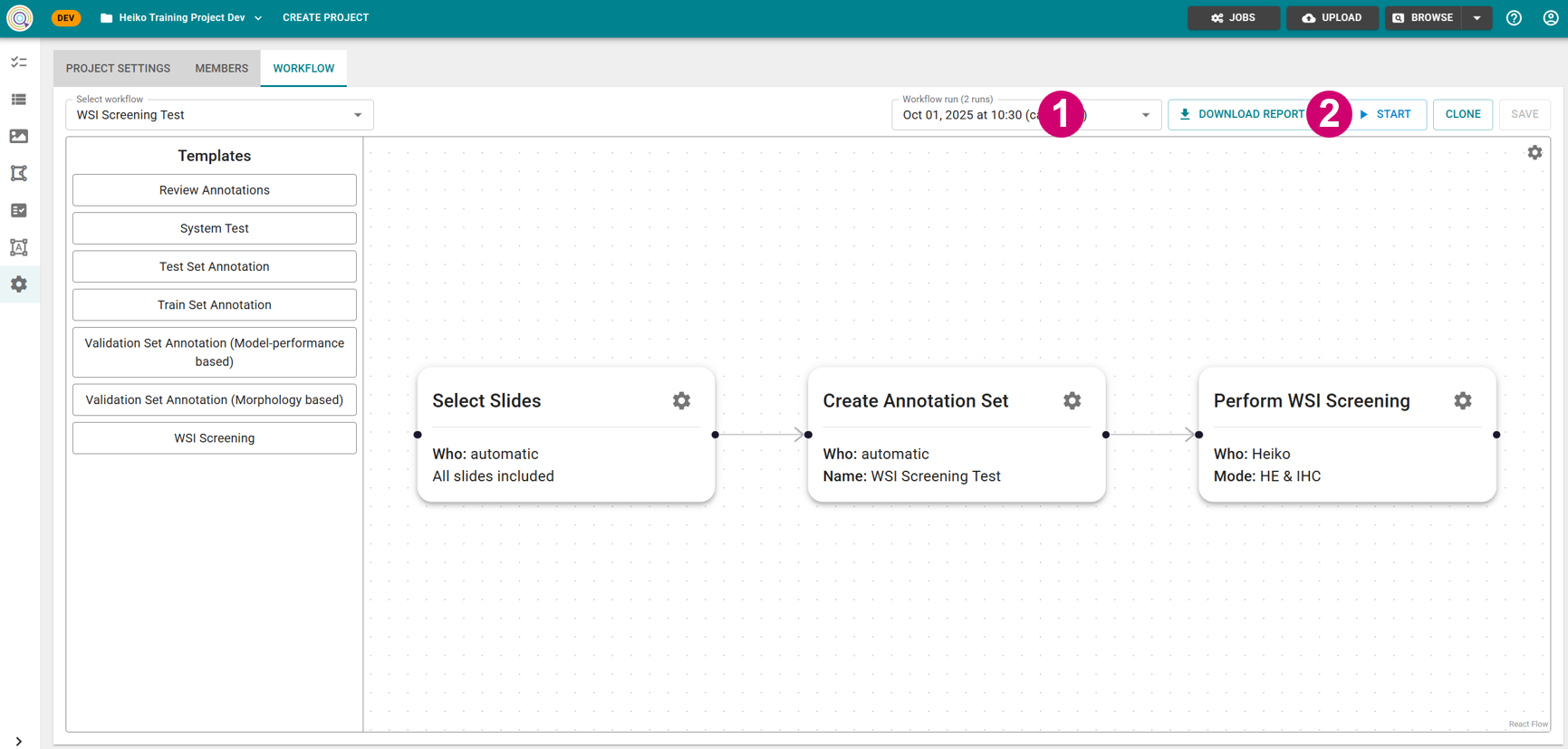
Image: Downloading workflow reports from workflow manager